
Label fell off or will not scan
Hold the stock. Reprint from the batch/receipt record and re-apply. If you cannot prove identity, quarantine and escalate.
Keep scannable batch identity from receipt through dispatch so recalls and disputes stay practical.
When you post Receive stock, VORQ creates a batch (auto ID if you do not supply one). That batch is the unit you will scan later — treat it as the traceability key.
receiving stock SOP · how to track inventory by batch or lot
Apply the batch QR to the pallet or outer cartons before stock leaves the dock. Unlabelled accepted stock is a process failure.
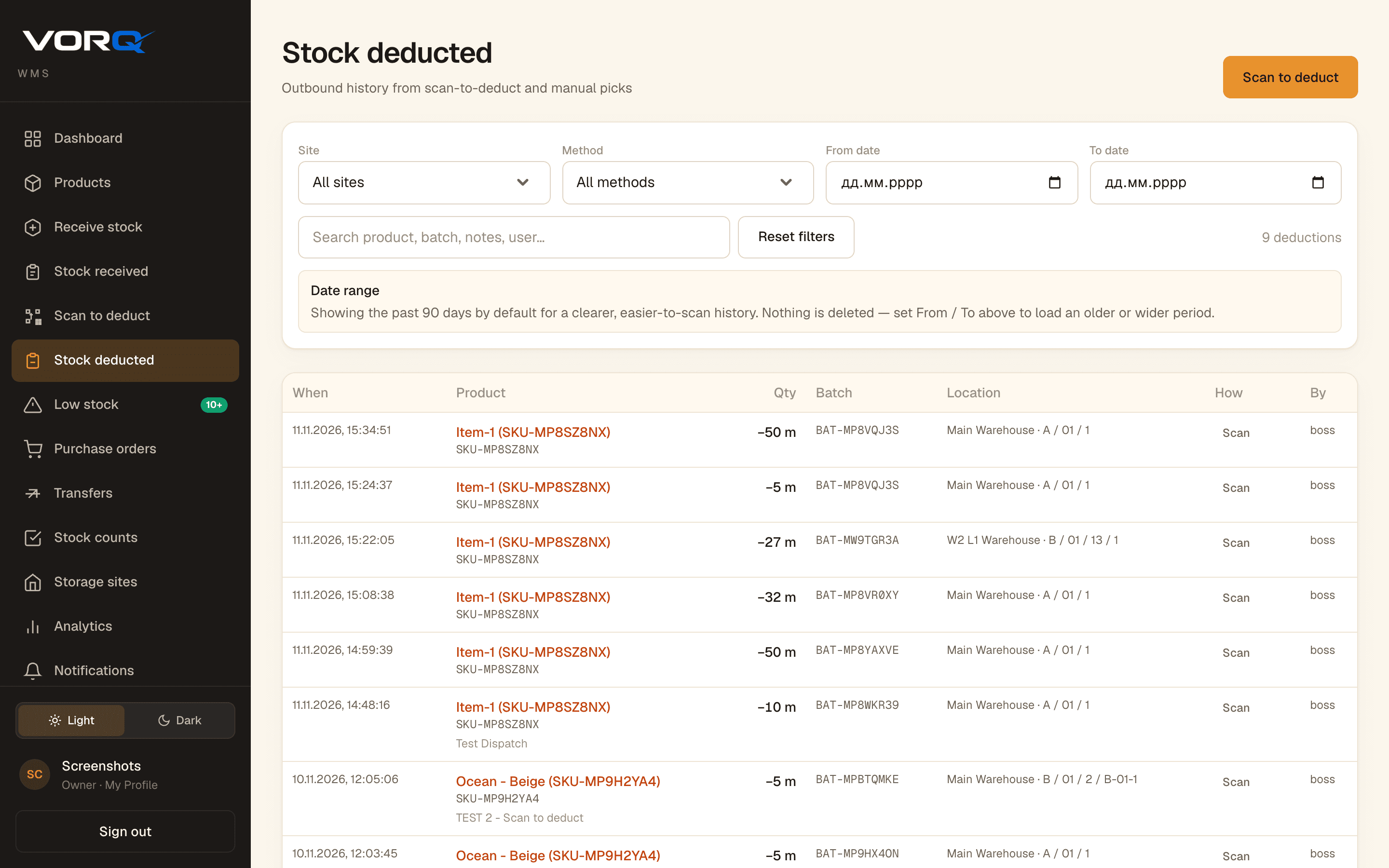
On Scan to deduct, scan the label that matches the lot you mean to ship. For controlled products, never grab a lookalike carton from the next pallet.
When a batch is fully deducted it moves to Closed QR codes. Keep closed labels out of the open list; open them when investigating a shipment or recall.
Hold the stock. Reprint from the batch/receipt record and re-apply. If you cannot prove identity, quarantine and escalate.
Split and relabel before any dispatch. Mixed lots destroy traceability for everyone downstream.
Pull movement history for the batch QR. Confirm what was received and what was deducted. Pair with a stock count if floor quantities disagree.
VORQ
Start free, invite the shift, and practice the procedure on a real receipt or dispatch.